Changelog/Vitals 1.4
Vitals 1.4: an MCP server for Claude, Codex and Cursor

Quick answer
Vitals 1.4 lets your AI assistant ask Vitals instead of guessing from a list of processes: what is running, which app is behind a number, what is on a port, and what the last 30 days looked like. An assistant cannot quit anything by itself. It asks Vitals, Vitals asks you in a window of its own, and nothing is quit until you say so. Turn it on in Settings → Integrations, add the assistants you use with one click, and that is the whole setup.
What your assistant can ask
An assistant working on your Mac could always read a thousand process names and guess. Now it can ask Vitals: which app is behind a figure, with every helper counted under it, which project a dev server belongs to and what port it holds, what is misbehaving right now, and what the last 30 days looked like. Every answer says when it was measured.
Nothing changes in how you talk to it. Ask in your own words, and the assistant asks Vitals for what it needs. Some things to try:
- What is slowing my Mac down right now?
- Which app is using the most memory, and is it the tabs or the extensions?
- What is on port 3000, and is it safe to quit?
- Which of my dev servers has nothing used in days?
- What drained the battery this morning?
- Is anything misbehaving on my Mac right now?
- Quit the dev server in storefront-web.
The last one opens a window from Vitals. That is the next section.
Set it up in a minute
- 01 Open Vitals, then Settings → Integrations.
- 02 Turn on Let AI Assistants Ask Vitals.
- 03 Click Add beside each assistant you use: Claude, Claude Code, Codex or Cursor. Vitals puts itself in that assistant’s list of tools, next to any it already has.
- 04 If the assistant was open, start it again. From then on it can ask Vitals.
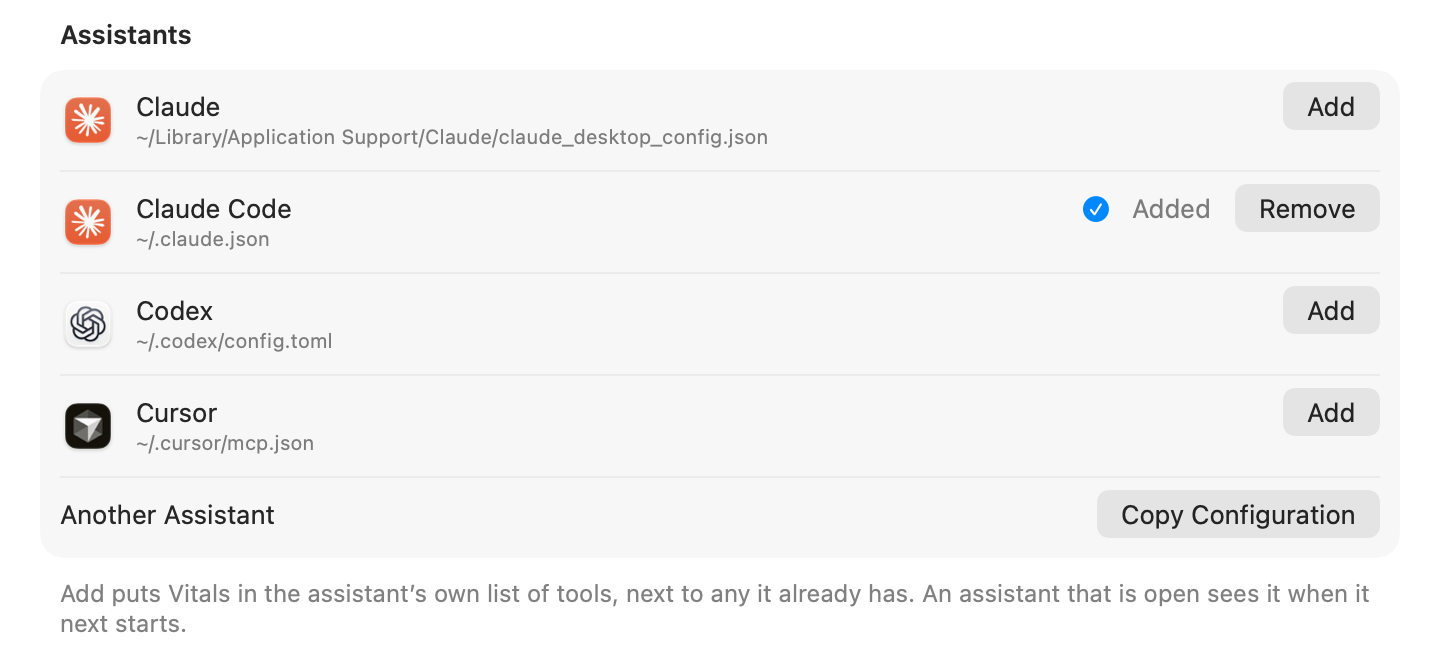
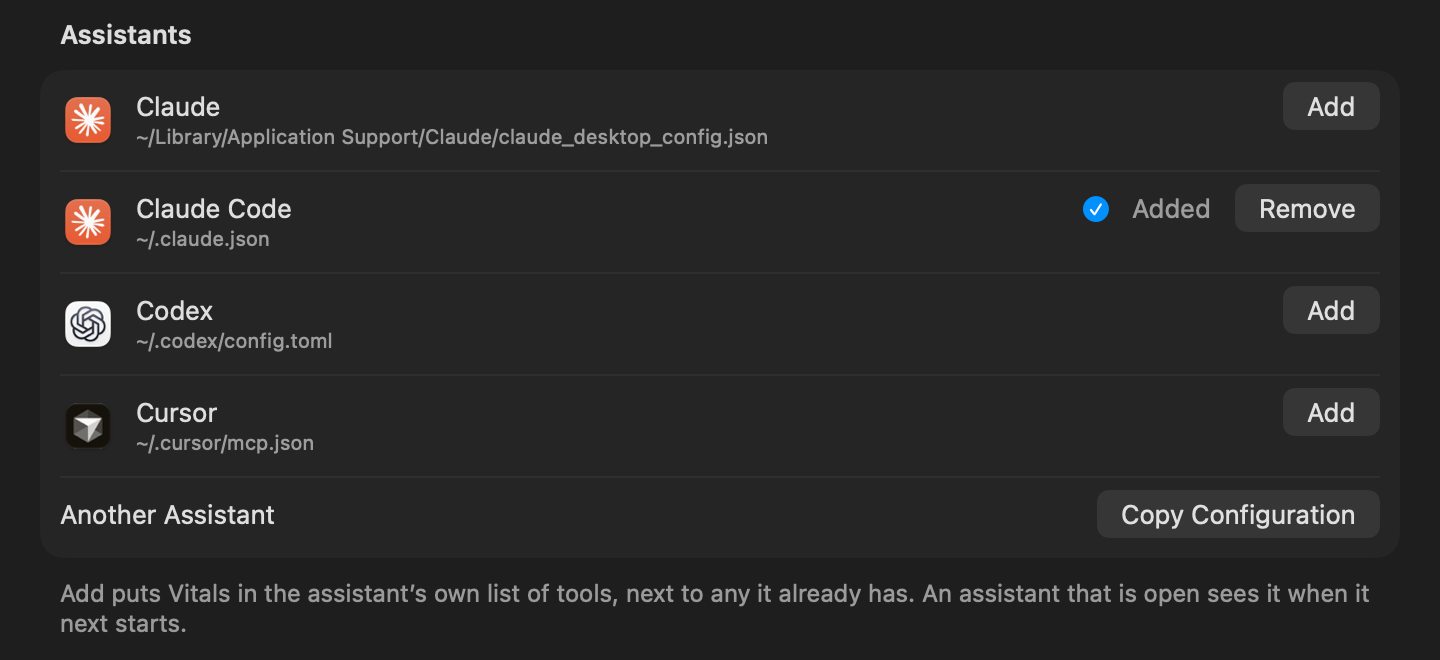
- Another assistant that speaks MCP? Click Copy Configuration and paste it where that assistant keeps its tools.
- Remove takes Vitals out of an assistant’s list again.
Quitting goes through you
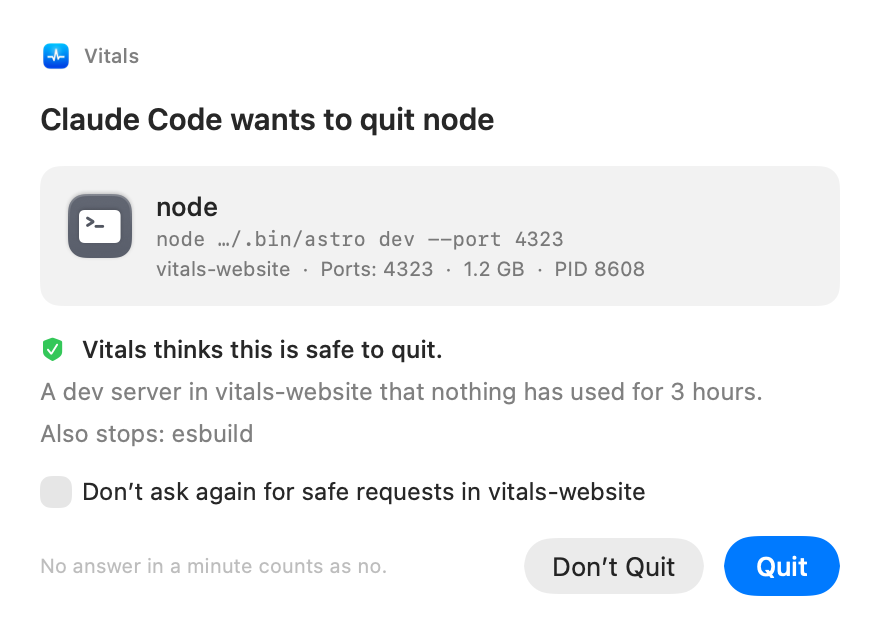
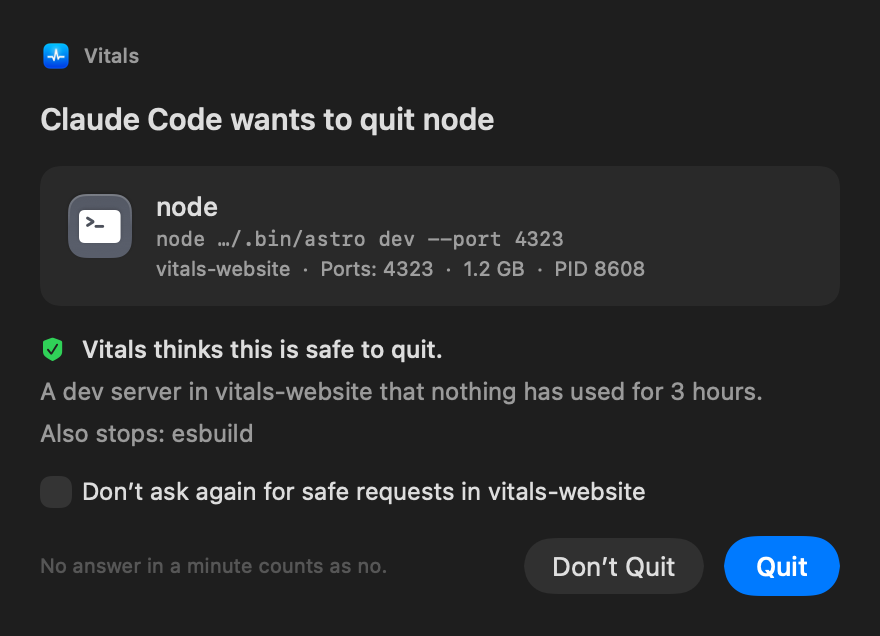
Ask your assistant to free some memory or stop a forgotten dev server, and it cannot just do it. It asks Vitals, and Vitals opens a window of its own in front of whatever you are doing: what is asking, what it wants to quit, how much memory and which ports that frees, and whether Vitals thinks it is safe.
Click Quit or Don’t Quit. No answer in a minute counts as no, and after a no the assistant leaves it alone. Vitals says no by itself to anything that is part of macOS, to anything that would start again at once, and to itself.
For a project you trust, tick Don’t ask again for safe requests in that folder, and the safe ones go ahead on their own. Safe means nothing of yours is lost: a dev server nothing has used, a process with no window and no open connections. Everything else is still asked about, and a force quit always is.
Choose what assistants may see
Settings → Integrations has a switch for each kind of thing an assistant may be told: your Mac’s figures, your apps and processes, your projects and ports, and your history. What is off is simply not told, and an assistant that asks for it is told you turned it off.
Project Folders by Name Only gives a folder as “shop”, never as where it is on your Mac. Vitals itself sends nothing anywhere. What an assistant is told goes wherever that assistant sends its conversations, and that is why these switches exist.
A record of every request
The bottom of Settings → Integrations lists what asked to quit something and what came of it: quit, declined, not answered, or refused by Vitals. Show All opens the whole month, and Clear empties it.
Questions people ask
Does anything leave my Mac?
Vitals sends nothing anywhere. What an assistant is told goes wherever that assistant sends its conversation: app names, project folder names and ports. Turn off what you would rather not share, or give folders by name only.
Can an assistant quit something without asking me?
No. The one exception is a folder where you ticked Don’t ask again for safe requests, and only for requests Vitals judges safe. A force quit is always asked about.
Why did Vitals say no?
Because the thing is part of macOS, would start again the moment it is quit, is Vitals itself, or is better stopped another way, such as a container. The assistant is told the reason, and the right way when there is one.
Which assistants work?
Claude, Claude Code, Codex and Cursor with one click. Any other assistant that speaks MCP, with Copy Configuration.
Is it on by default?
No. It is off until you turn it on, and a fresh install starts with it off.
Does it cost my Mac anything?
Nothing while nothing is asking. The answers come from the measurements Vitals takes anyway.
How do I turn it off?
Turn off Let AI Assistants Ask Vitals, or click Remove beside an assistant to take Vitals out of its list.
Everything in 1.4
Vitals 1.4 is a free update. In Vitals, choose Check for Updates, or download it from vitalsmac.com.
- New An MCP server for Claude, Codex and Cursor. Claude, Claude Code, Codex, Cursor and any assistant that speaks MCP can ask what is running, which app is behind a number, what is on a port, which projects have a dev server going, and what the last 30 days looked like. Turn it on in Settings → Integrations and add the assistants you use with one click. Vitals itself sends nothing anywhere.
- New Assistants ask before anything is quit. An assistant cannot quit anything by itself. It asks Vitals, and Vitals shows you the request in a window of its own: what is asking, what it wants to quit, and whether that looks safe. Nothing is quit until you say so, and Vitals says no by itself to anything that should be left alone. For a project you trust, safe requests can go ahead without asking. Settings → Integrations keeps the last 30 days of requests.
- New Choose what assistants may see. Switch off system figures, apps, projects or history for every assistant, and give project folders by name only, so an assistant hears “shop” and not where that folder is on your Mac.
- New Upload speed in the menu bar. The Network readout shows upload beside download now, for everyone. Turn it off in Settings → Layout → Menu Bar if you would rather not.
- New Graphs in a frame. Turn on Frame Graphs in Settings → Layout → Menu Bar and every graph in the menu bar sits in a thin frame.
- Improved Its own icon for a lone readout. When CPU is not in the Vitals item, the readout that is shows its own icon: memory, network, battery, whichever it is. Before, the CPU icon stayed.
- Improved Network without the extra arrows. When Network shows figures, their own arrows are enough, so the arrows icon beside them is gone.
- Improved The CPU graph is one setting. In Settings → Layout → Menu Bar, the CPU graph is one row of pictures: off, or compact, regular or wide, each drawn as the item will look.